Why a Canon camera gets stuck on its USB screen after a Mac import
2026-10-03
I recently started filming with a Canon EOS R50, and getting the footage onto my Mac turned into a small investigation. After every import, the camera stayed on its "connected to computer" screen. The buttons did nothing, and the only way to start shooting again was to pull the USB cable.
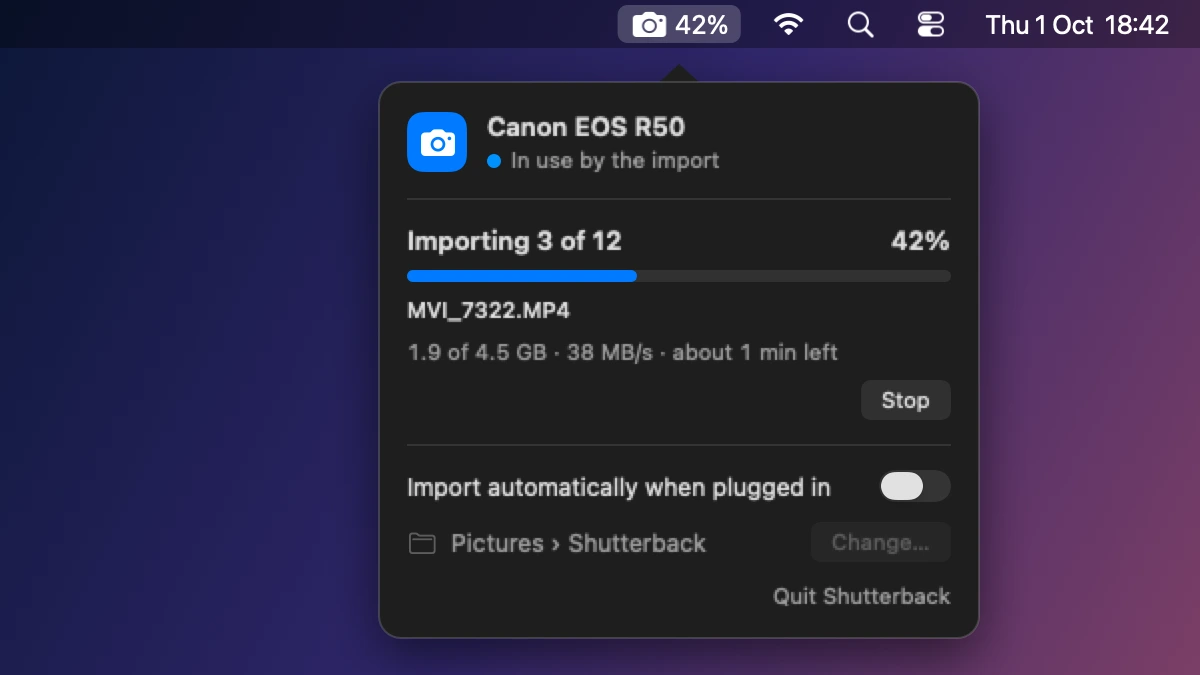
This is how I found out why, and the fix I built into Shutterback, my menu bar app for importing from a camera.
First suspect: the Mac holding on
Most Mac apps don't talk to a camera themselves. They go through Apple's ImageCaptureCore framework, and a system daemon called ptpcamerad does the actual talking over USB, using the Picture Transfer Protocol (PTP). As long as an app keeps the camera open, that daemon holds it.
So Shutterback never keeps it open. The menu bar app only reads the USB device list, which doesn't claim the camera. An import runs in a short-lived process that opens the camera, copies what's new and exits.
The camera still got stuck.
The Mac does let go
The system log shows ptpcamerad closing the camera the moment the import process exits:
closeDevice  | >>> Issuing Close: Canon EOS R50
PTPInitiator | stopping locID - 0x02240000
PTPTransport | stopping locID - 0x02240000
closeDevice  | >>> Device Closed: Canon EOS R50
And ioreg, which lists every USB device and what has it open, agreed: after the import, nothing on the Mac was holding the camera's PTP interface.
One trap if you go digging yourself: in zsh, log is a shell builtin, so log show quietly prints nothing. Call /usr/bin/log instead.
Asking the camera
Once the daemon lets go, any app can open the camera's PTP interface with the IOUSBHost framework and send commands down the USB bulk pipes. A PTP command is a small container: its length, a type (1 for a command), the operation code, a transaction ID, then up to five 32-bit parameters.
let length = 12 + 4 * params.count
let command = try interface.ioData(withCapacity: length)
let bytes = command.mutableBytes
bytes.storeBytes(of: UInt32(length).littleEndian, toByteOffset: 0, as: UInt32.self)
bytes.storeBytes(of: UInt16(1).littleEndian, toByteOffset: 4, as: UInt16.self)  // a command
bytes.storeBytes(of: code.littleEndian, toByteOffset: 6, as: UInt16.self)
bytes.storeBytes(of: transaction.littleEndian, toByteOffset: 8, as: UInt32.self)
for (index, param) in params.enumerated() {
    bytes.storeBytes(of: param.littleEndian, toByteOffset: 12 + 4 * index, as: UInt32.self)
}
try output.__sendIORequest(with: command, bytesTransferred: &sent, completionTimeout: 3)
The camera answers on the other pipe with a response container, and its code says how it went: 0x2001 is OK, 0x2003 is Session Not Open, and so on.
My first theory was a PTP session left open. A CloseSession sent to a freshly plugged-in camera answers 0x2003, as it should. Sent right after an import, it answered 0x2003 too. macOS had closed the session properly, and the camera was stuck anyway.
What didn't help
- Resetting the USB connection from software. The camera dropped off the bus, came back, and was still stuck. Whatever this state is, it survives a USB reset.
- Turning Canon's remote mode off. Canon cameras have their own PTP operations on top of the standard ones, including SetRemoteMode (
0x9114) and SetEventMode (0x9115). Setting both to 0 got an OK from the camera and changed nothing on its screen.
What worked
libgphoto2, the open-source library behind most camera tools on Linux, has a function that runs when it's done with a Canon EOS camera. I sent the same steps inside a session of my own. Here's the sequence, with the R50's answers:
| Step | Operation | Code | Answer |
|---|---|---|---|
| 1 | OpenSession | 0x1002 |
0x2001 OK |
| 2 | ResetUILock | 0x911C |
0x2019 Device Busy |
| 3 | SetRemoteMode(0) | 0x9114 |
0x2001 OK |
| 4 | SetRemoteMode(1) | 0x9114 |
0x2001 OK |
| 5 | SetEventMode(0) | 0x9115 |
0x2001 OK |
| 6 | CloseSession | 0x1003 |
0x2001 OK |
The camera went straight back to its shooting screen.
Step 4 is the odd one. It turns remote mode back on right after turning it off, and libgphoto2's own comment on it says it "enables camera display for some reason". Steps 3 and 5 on their own, which is what I'd tried before, left the camera stuck.
How Shutterback uses it
After every import, Shutterback waits for ptpcamerad to let go, opens the camera's PTP interface and sends those six commands. It takes a fraction of a second, and the panel says "Releasing the camera…" while it runs. It only does this for Canon cameras, and only for the camera the import used. If another app has the camera open, it leaves it alone.
I've only verified this on an EOS R50 on macOS 26. libgphoto2 uses this teardown for Canon EOS cameras in general, so other models will probably behave the same, but I haven't tested them. And if you import with Photos or Image Capture, nothing sends these commands for you: unplugging the camera is still the quick fix there.